AI On-Model Product Photography — Without Studio or Model Casting
Upload a garment photo. Choose model, aesthetic, and angles. Get professional on-model ecommerce shots in minutes — saving cost, time, and production effort.
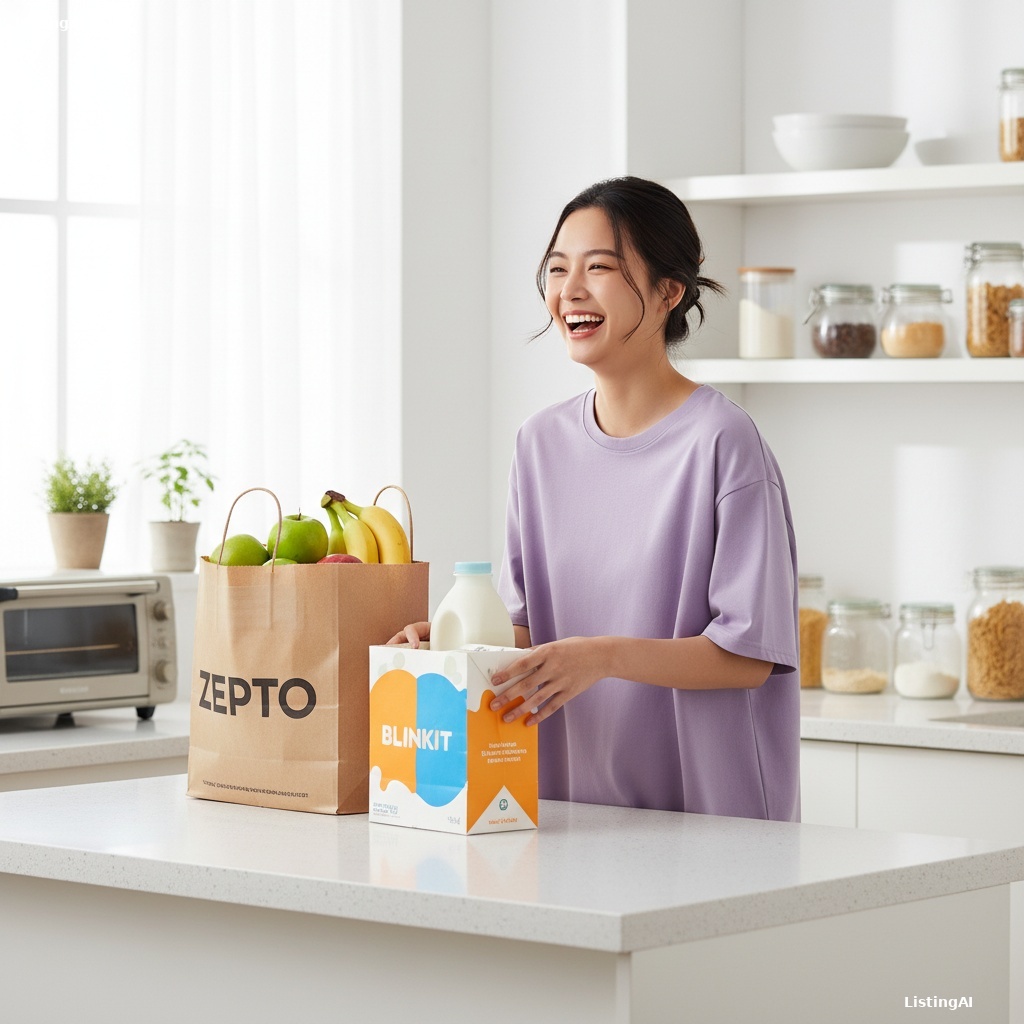
AI-generated on-model apparel photo — professional lighting and pose
Traditional vs AI on-model photography
Traditional studio shoot
- • Model casting and booking fees
- • Half-day studio rental
- • Stylist and retouching costs
- • 2–4 weeks turnaround
- • ₹25,000–₹60,000+ per session
AI Model Studio
- • Choose model gender & ethnicity instantly
- • Upload garment from your desk
- • Multi-angle batch in one session
- • Same-day results
- • Fraction of studio cost per look
Model Studio features
Male & female models
Pick gender and ethnicity to match your brand audience.
Garment types
T-shirts, polos, jeans, joggers, formal shirts, trousers, and more.
Multi-angle sets
Front, 45°, back, low angle — consistent model across all shots.
Visual director
Control aesthetic, lighting, atmosphere, format, and 2K/4K quality.
Preview before pay
See watermarked results on your actual garment before spending credits.
Commercial license
Download clean images licensed for ecommerce and advertising.
Frequently asked questions
What is AI on-model product photography?+
AI on-model photography generates professional fashion photos showing your garment worn by a photorealistic model — from a flat-lay or hanger photo. It replaces traditional on-model studio shoots for ecommerce listings.
Can I choose model gender and ethnicity?+
Yes. Model Studio lets you select male or female models and choose from multiple ethnicity options. You also pick garment type — t-shirt, jeans, formal shirt, joggers, and more.
How much does on-model photography cost with AI vs a studio?+
Traditional on-model shoots cost ₹25,000–₹60,000 per half-day session in India. AI on-model generation costs a fraction per look and scales to dozens of SKUs in one afternoon.
Can I generate multiple camera angles?+
Yes. Select front, 45°, back, low angle, and more in the Visual Director panel. All angles generate in one batch with consistent model appearance.
Will the garment colours and prints stay accurate?+
The AI is instructed to preserve the exact product from your upload — colours, branding, prints, and design. Always preview before downloading and retry if needed.
Who is this for?+
D2C apparel brands, Amazon and Myntra fashion sellers, print-on-demand stores, and agencies producing lookbooks for multiple clients.
Generate on-model photos today
Upload a garment, pick your model, and preview AI on-model photography in minutes.
Open Model Studio→